The Android emulator, smooth in your browser.
One command to install. No Android Studio required.
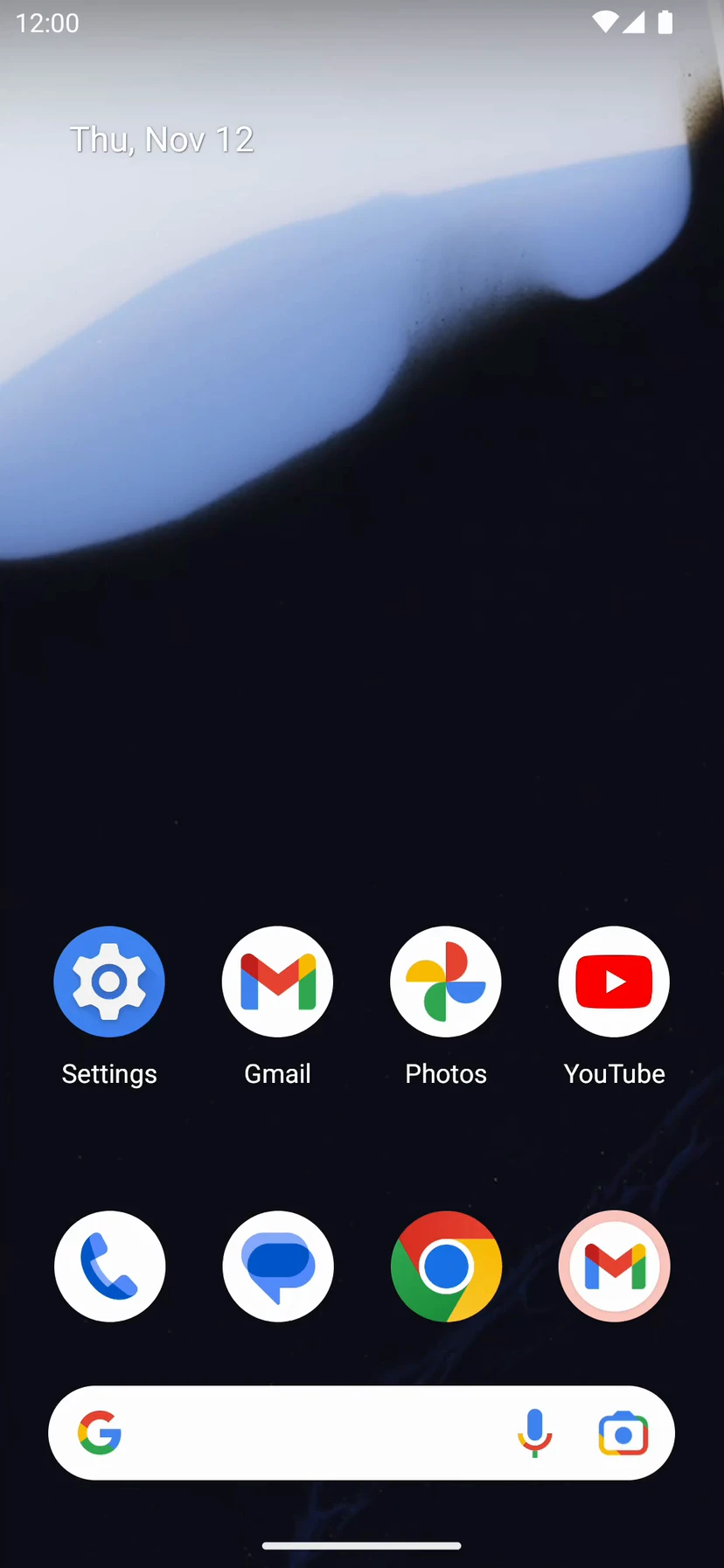
Your emulator, in a browser tab
Pick a screen or swipe sideways. On your Mac, every click and drag goes to the real emulator.
Three programs, all on your Mac
The gateway reads frames from the official Android emulator over gRPC and shared memory, and sends them to the page over a WebSocket on 127.0.0.1. Taps, swipes and keys travel back the same way.
- BrowserChrome or Edge tab
- Gatewayandroid-emu-web on 127.0.0.1
- EmulatorOfficial Android emulator
- Screen frames: raw RGBA over shared memory, then WebSocket
- Taps, swipes and keys: WebSocket, then gRPC
- Median frame rate
- 60fps
- Tap latency p50
- 20ms
- Tap latency p90
- 30ms
Measured on an M4 Mac with a Pixel 5 API 34 virtual device (1080×2340) in Chrome 157, rgba-mmap frame transport, 16 back-to-back swipes and 30 taps. Your numbers depend on your Mac, the device and the browser. Measured performance
Everything you reach for in the emulator window
Full-resolution screen
Frames are taken at the canvas size times the display's pixel ratio: 1080×2340 on a Retina screen, not a blurry half-size copy.
Tap, swipe and type
Click to tap, drag to swipe, type on your Mac keyboard. Back, Home and Recents sit above the screen.
Clipboard both ways
Cmd+V pastes from your Mac. Text copied inside Android lands on your Mac's clipboard. Chinese and other non-ASCII text goes through the clipboard.
Start and stop devices
List your Android virtual devices, start one, stop it, or take over an emulator that is already running.
Rotate, volume, screenshot
Device buttons for rotation, volume and power. Screenshots save as full-resolution PNG files.
Scroll wheel
Wheel and trackpad scrolling become short swipes on the device, so long lists scroll the way you expect.
Facts you can check
- 127.0.0.1
Frames stay on your Mac
The gateway listens only on loopback. Other computers cannot reach it, and no frame goes over the internet.
Security - SDK
The official Android emulator
It runs Google's emulator and system images from the Android SDK, the same ones Android Studio uses. If you already have the SDK, the gateway uses it.
Requirements - 1.24×
CPU close to scrcpy
During 16 back-to-back swipes on an M4 Mac (Pixel 5 API 34 virtual device, 1080×2340, Chrome 157, rgba-mmap transport), the emulator, gateway and Chrome together used 257% CPU. scrcpy, measured the same way with the same emulator, used 208%.
Measured performance - MIT
Open source
Every line of the gateway and the page is on GitHub under the MIT license.
github.com/twosugar/android-emu-web
How it differs from other ways to see an emulator
Only differences you can check. Each tool is good at what it was built for.
| Question | android-emu-web | Android Studio emulator | scrcpy | Cloud emulators (e.g. Appetize) |
|---|---|---|---|---|
| Where Android runs | Official emulator on your Mac | Official emulator on your Mac | A device or emulator you connect | The vendor's servers |
| Where you see it | A Chrome or Edge tab | Android Studio's Running Devices window, or the emulator's own window | A desktop app window | A browser tab |
| Needs Android Studio | No; needs the gateway, the emulator and a system image | Yes, for the Running Devices view | No | No |
| How frames travel | Raw RGBA frames over 127.0.0.1 | Emulator window or Android Studio, both on your Mac | H.264 video | Video over the internet |
| Price | Free, MIT license | Free | Free, Apache-2.0 license | Paid plans |
Three steps to your first frame
Check your Mac
An Apple Silicon Mac, Chrome or Edge, and the Android emulator with an arm64 system image.
RequirementsInstall the gateway
Run this in Terminal. It saves a single executable to ~/.local/bin.
Install guidecurl -fsSL https://droid.devpier.dev/install.sh | shStart it
Run android-emu-web. It opens the page in your browser and shows the running emulator.
First run